How to use H2 DB in Core Java Project

How to use H2 DB in Core Java Project

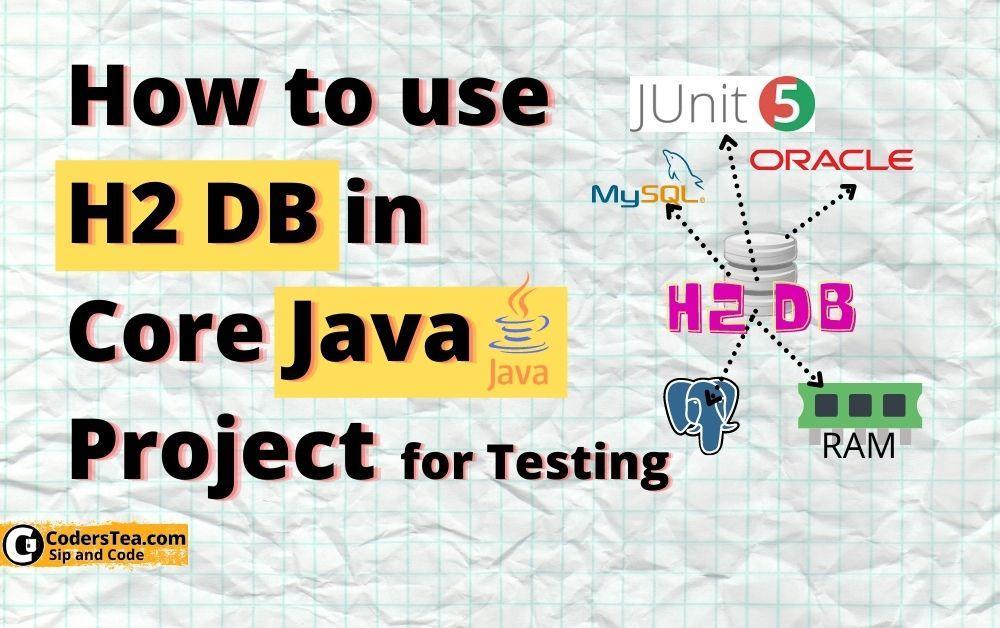
Hey, Tea Lovers! Today let’s look at how you can use an in-memory database to test a core Java project, specifically H2 DB. The official name of H2 DB is H2 Database Engine. I will focus on it in the testing and not on the main project. I just want to give you a glimpse of how you can get started with it. I would highly recommend for the database logic or testing you shouldn’t rely upon In-Memory databases, always have Integration Test’s in this scenarios. Use this tool for a small or temporary test. ...
November 20, 2021 Â· 8 min Â· Imran Shaikh
How to Achieve Greatness in JDBC Performance

How to Achieve Greatness in JDBC Performance

Hey, tea lovers! Today, we will talk about the JDBC, the code which connects Java code to the realm of the databases, and the best practices of JDBC to achieve greatness in the performance of database operations. We will talk about the best practices as we talked about in “ What’s In A Name: Java Naming Conventions” but this time, it is about the JDBC best practices. These are the small tweaks you can do to your code that, not only makes it much faster but also makes your code less horrific. It will be like a list to improve the JDBC or we can say, handle the database like a pro. So let us start the adventure. ...

May 7, 2021 Â· 6 min Â· Imran Shaikh
How to Create a Multi-Database Pool in HikariCP

How to create a Multi-Database Pool in HikariCP

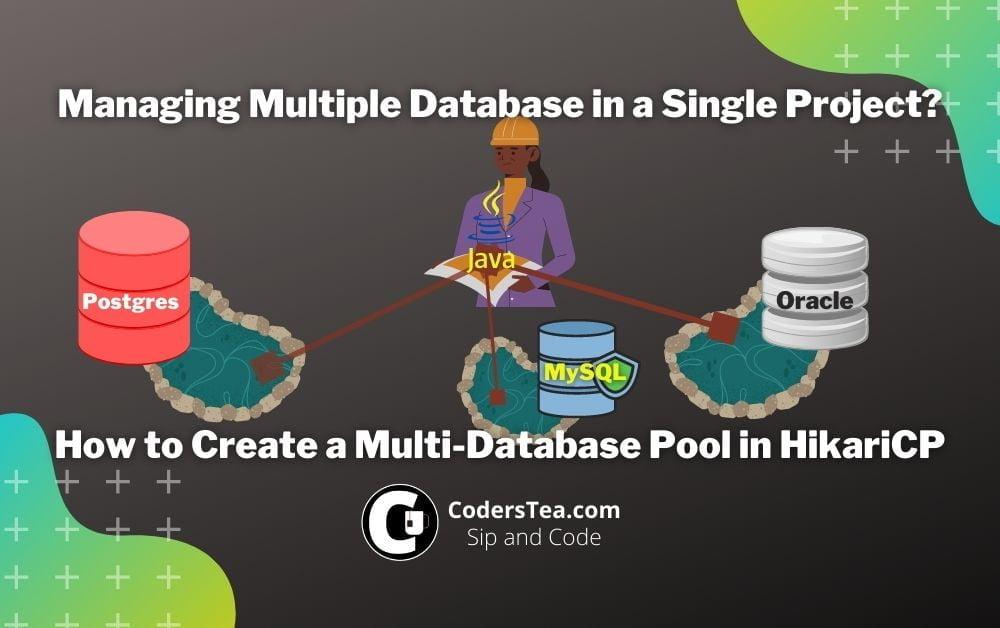
Hey, Tea lovers! Today we will go over a hack/way to create a multi-database pool in HikariCP. It is a continuation of the post " JDBC Connection Pooling Explained with HikariCP", where we talked about connection pooling and how we can create it using hikariCP. This post is not an explanation post, but rather shows one of the ways I used to create a common Class to access different connection pools of various databases. It is my solution from experience and not a standard approach. However, you are free to use the code as it is very generic and can be used right away. ...

December 3, 2020 Â· 9 min Â· Imran Shaikh
how to use batch in jdbc

How to Use Batch in JDBC to Insert huge data

Hey. Tea Lovers! Today we will discuss batching and how to use batch in JDBC to insert huge data. Before jumping in, I would suggest you look at my previous posts, " How to Achieve Greatness in JDBC Performance" and " JDBC Connection Pooling Explained with HikariCP". This will help you to further increase the performance along with reliability, maintainability, and flexibility. Why use Batch Insertion Many of you have worked on some projects where you needed to insert a large amount of data into the database. I prefer just using plain JDBC for this kind of job to give the operation a significant boost. But inserting the record one by one as we do is a very slow process. We need to wait until the data of a single record goes to the database, insert happens and then over the network, an acknowledgment occurs, phew! Luckily in JDBC, we have batch operations. With this, we can insert the data in batches rather than one by one, giving a huge advantage. ...

November 30, 2020 Â· 7 min Â· Imran Shaikh
JDBC Connection Pooling Explained with HikariCP (2)

JDBC Connection Pooling Explained with HikariCP

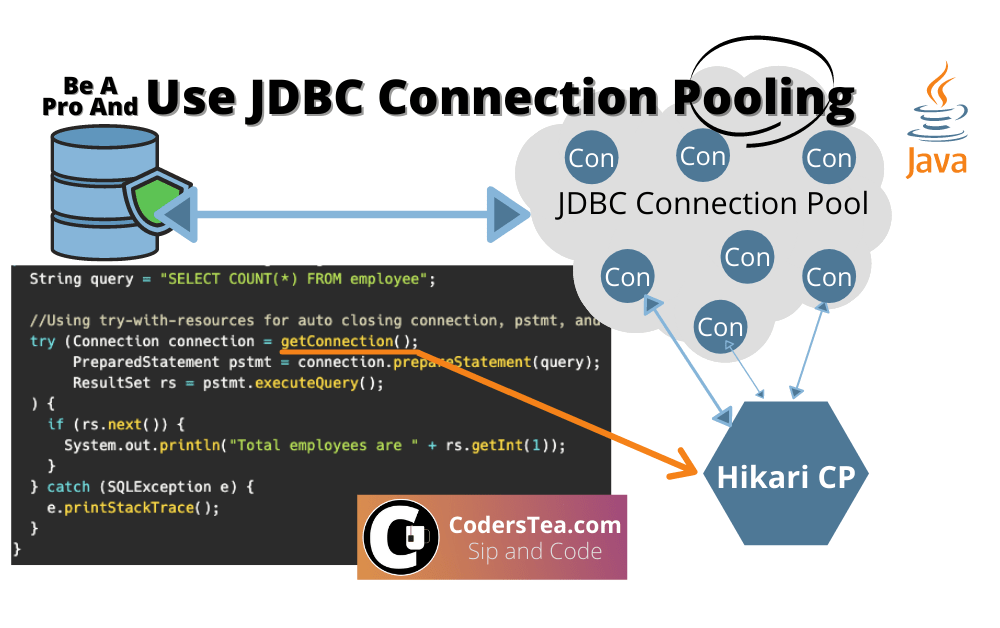
Hey, tea lovers! Have you ever heard about connection pooling in JDBC or HikariCP? If not, no worries at all, that is what this post is all about. We will talk about all the things about the JDBC connection pool and its implementation using HikariCP. HikariCP is one of the fastest connection pooling available in the market for JDBC connections. It makes connection pooling very easy. get ready to learn more about this beast. But before, make your tea to sip and learn. And for the example used in the post, you can find it on GitHub here or the full project here. ...

May 12, 2020 Â· 9 min Â· Imran Shaikh